 Claude Code
 Codex
 ChatGPT
 Instagramtook me a month to read one sentence properly26 Aug 2026 · 181 views
The command center for indie app developers
Every app you ship.
One command center.
Revenue, costs, tasks, posts and product docs for every app you ship, plugged into Claude Code, Codex and ChatGPT over MCP. Your agent plans from your real numbers instead of guessing.
Get startedSee what agents can do
Works withClaude CodeCodexChatGPT
 Instagram

 TikTok

Agents · MCP Every plan
Your agent, briefed on every app you ship.
Launchkeep is an MCP server for your whole command center. Connect Claude Code or Codex once and pick the projects it may see: it answers from your real revenue, costs, tasks, posts and documents, and keeps your tasks and product docs current. No key is ever pasted into chat.
Comes in from
- App Store Connect
- Google Play
- Stripe
- Polar
- TikTok
- What you add
 App Store Connect
 Google Play
 Stripe


Kept per project
 Journal.IOiOSLive
- Revenueby month and currency
- Costsbills and subscriptions
- Tasksby status and priority
- Socialsposts and metrics
- Documentsevery revision
Read by your agent
- Claude CodeYour whole workspace
- CodexYour whole workspace
- ChatGPTYour social archive
Everything in the projects you share
- Revenue by month, per store and currency
- Costs, unpaid bills and recurring forecasts
- App Store, Google Play, Stripe and Polar details, with capture dates
- Saved Instagram and TikTok posts, with their metrics
- Tasks, documents and every earlier revision
- Fresh store data on request, at most every ten minutes
Changes you switch on, per agent
- Adds tasks, five at a time at most, each with why it matters and how it is measured
- Edits, moves, trashes and restores tasks
- Saves documents with a reason, keeping every revision
- Records the setup answers you give it
Off limits, whatever the prompt says
- Move money or change a price
- Touch a key or a credential
- Rewrite payment history
- See a project you did not share
Built into Launchkeep itself, so no prompt can talk its way around it.
MCP tools
18Stores, read only
4New tasks a day, by default
5Keys pasted into chat
0What to ask it
Questions only your own data can answer.
Your agent already knows how to plan. Launchkeep gives it the numbers, the backlog and the history to plan from.
What did each app earn last month, per store, and what did it cost to run?
RevenueCostsWhich of my TikTok posts got the most views in August? Draft three hooks like them.
SocialsRead PRODUCT.md and turn the next milestone into three tasks.
DocumentsTasksWhat’s due before the 15th, and which subscriptions renew this year?
CostsRefresh Journal.IO’s App Store data, then tell me what changed.
RevenueAsk me whatever you still need to know, then write our launch plan.
BriefDocuments
- ConnectCopy one command from Settings into Claude Code or Codex. Sign in through your browser and choose the projects it may see.
- PersonalizeIt asks a few short questions: audience, 90-day goal, time, budget, constraints and working style. Skip any of them.
- PlanIt keeps PRODUCT.md current and turns decisions into a few measurable tasks, within a daily limit you set.
- Access is per project
- Choose which projects each agent sees and whether it may change tasks or documents. Narrow or revoke it in Settings and it takes effect at once, even for agents already connected.
- Stores stay read-only
- Launchkeep only ever reads from your stores, so even a key with full access can't change a listing or move money.
- Nothing runs behind your back
- No unattended AI jobs. Your agent works while you work with it, and task and document changes show in the project's activity.
- One daily limit for every agent
- Five new tasks per project a day by default, shared by every agent you connect. Set it anywhere from 0 to 100.
All 18 tools12 reads and 6 writes, in 6 groups.
What it tracks
Money in, money out, work left, posts out. Per app.
Every project keeps its own revenue, costs, tasks, posts and documents, from the day you start it to the day you ship it, or scrap it.
01 Revenue
What each app earns, from the store that paid it.
Connect App Store Connect, Google Play, Stripe or Polar once, then link each project to its app. Launchkeep checks the key works, encrypts it before saving it, and only ever uses it to read.
App Store ConnectGoogle PlayStripePolar
USD · proceeds$1,284.00
USD · sales$1,610.00
EUR · proceeds€312.40
EUR · sales€401.00
Proceeds (after the store's cut) and sales (before it) stay apart, and so does every currency. Figures show the date they run through, because stores report late.
02 Costs
Every currency you pay in. One total in yours.
Log one-off costs and monthly or yearly subscriptions in any currency. Each bill lands as Due on its date, and only you mark it Paid. Totals add up in the currency you choose, at the day’s exchange rate, while every amount is kept exactly as billed, so no record drifts by a cent.
USD$420.00
EUR€260.00
JPY¥38,000
KWDKWD 12.500
Each kept exactly as billed — the yen keeps no decimals and the dinar keeps three — and converted only in the totals. And a subscription billed on the 31st comes back to the 31st after February; it does not quietly become the 28th forever.
03 Tasks
Three columns, four priorities. The next step stays visible.
Todo, Doing and Done, each ordered by Urgent, High, Medium and Low. A deleted task waits in a trash you can restore it from, and your agent reads the board before it adds anything.
Todo 2
Fix iPad layout
Write release notes
Doing 1
Store screenshots
Done 1
Bump iOS target
The stripe is the priority and the column is the status, so neither has to say the other twice.
04 Socials
Every post you made, filed under the app it promoted.
Import your Instagram and TikTok posts from a Metricool export, or bring them in through ChatGPT. Each lands against its project with its caption, its date and its views, reach, likes, comments, shares and saves.
InstagramTikTok Instagramshe’d been saying it for months. took an app26 Aug 2026 · 154 views
 TikToki thought i was lazy. i was sleeping five hours7 Sep 2026 · 312 views
Instagramshe’d been saying it for months. took an app26 Aug 2026 · 154 viewsTikToki thought i was lazy. i was sleeping five hours7 Sep 2026 · 312 views05 Documents
Your product brief, versioned and kept current.
Each project keeps its Markdown documents: PRODUCT.md, launch plans, store listing copy. Every save keeps its revision and a reason, so you can read or restore any earlier version, whoever wrote it.
PRODUCT.mdr4
## GoalsReach 200 paying users by 31 March.Ship 1.2 with the new onboarding.
- r4Claude CodeAdded the 90-day goal
- r3YouRewrote the audience
- r2CodexMoved 1.1 to current capabilities
Graveyard
Most apps don't make it. Every one still counts.
Scrap one and it moves to your graveyard with its dates and an epitaph. Its recurring bills stop, everything it recorded is kept, and you can revive it whenever you like. It still counts toward your next hit, and when one takes off, you call it a hit.
Social archive
Every post you made, still findable.
Six months after a launch you want the hook that worked. Scrolling back will not find it. Your archive will, and so will your agent.
 InstagramMaking progress but somehow still feeling behind?12 Sep 2026 · 9,090 views
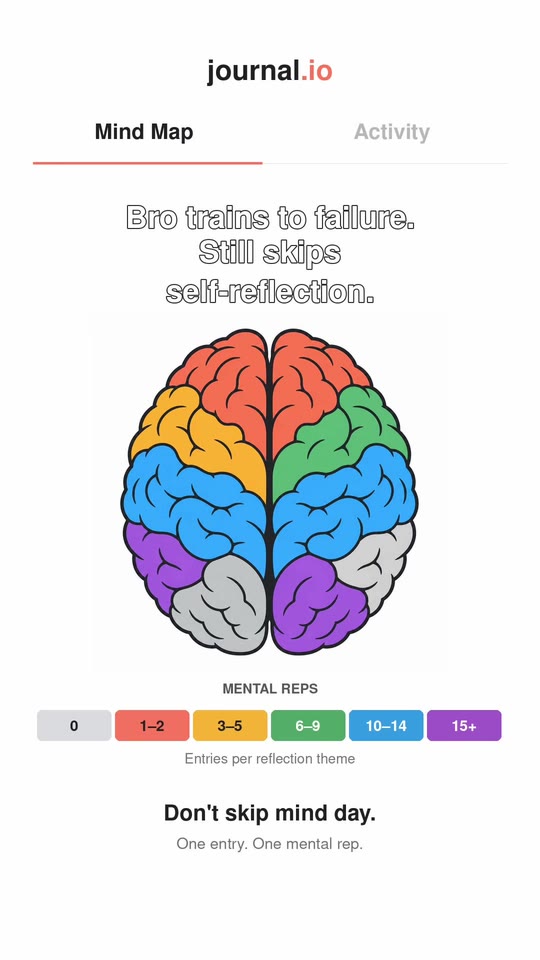 TikToklast rep: brutal. writing down what’s actually bothering you9 Sep 2026 · 226 views
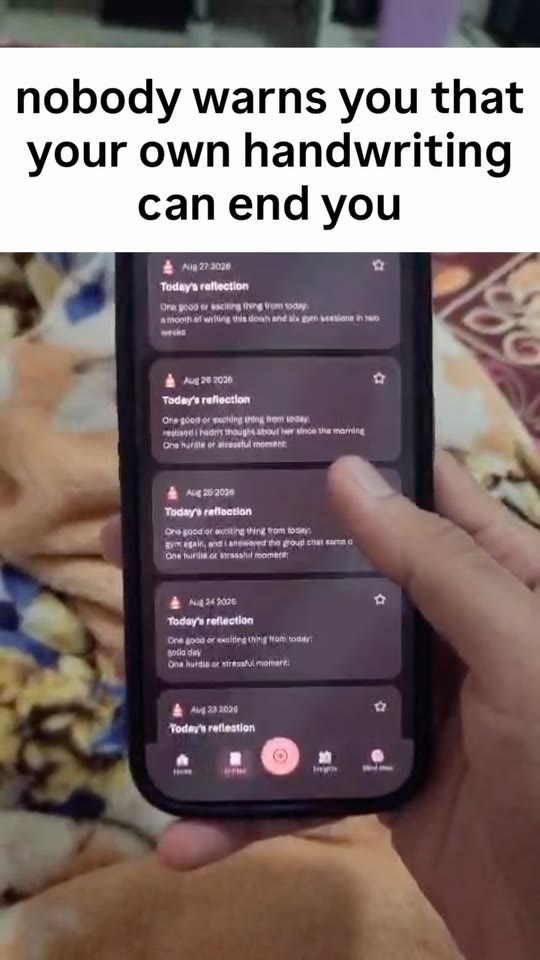 Instagrampast me really did that to present me27 Aug 2026 · 168 views
 TikTokSave this for the nights you overthink1 Sep 2026 · 265 views
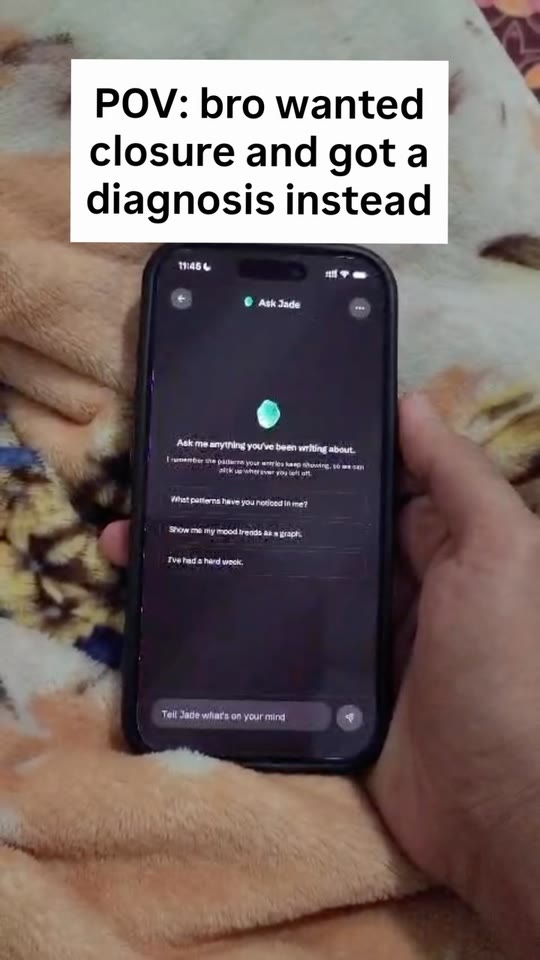 Instagramasked about her. got a report about me27 Aug 2026 · 189 views
 TikTokLooks delicious 🤤9 Sep 2026 · 6,473 views
- Search the caption
- Find the wording that worked by what you wrote, not by scrolling a grid. Your agent searches the same archive.
- See what landed
- Views, reach, likes, comments, shares and saves for every post, and engagement rate by month. A metric the export left out stays blank rather than turning into a zero.
- Attached to the app
- A post sits with the project it promoted, next to that project's revenue, costs and tasks.
Pricing
One plan, two ways to pay.
Everything is included either way: every store, every project and every agent. There is no free plan.
Monthly
$15/ month
Everything, billed monthly.
- Unlimited projects
- Revenue from App Store Connect, Google Play, Stripe and Polar
- Costs, tasks, socials and documents
- MCP for Claude Code and Codex
- ChatGPT connection for your social archive
YearlyBest value
$120/ year
Save $60 · 3-day trial.
- Everything in Monthly
- Two months free
- 3-day trial before you pay
- Cancel any time
Prices in USD, billed through Polar as merchant of record, which handles tax. Plans renew automatically until you cancel, which you can do any time in Settings. A first payment is refundable within 14 days. See the Terms.
Questions
Before you connect your agent.
- What is MCP?
- The Model Context Protocol is how AI agents reach tools and data outside the chat. Launchkeep runs an MCP server, so your agent can read your projects and keep your tasks and documents current.
- Which agents can connect?
- Claude Code and Codex connect to your whole workspace. ChatGPT connects to your social archive to import and search posts, and needs developer mode on a paid ChatGPT plan.
- Can my agent change my money data?
- No. Revenue, costs and payment history are read-only to every agent, and store keys are only ever used to read.
- Where do my store keys go?
- Each key is checked with the store, then encrypted before it is saved. Neither your browser nor your agent ever gets it back.
- Is there a free plan?
- No. Launchkeep is $15 a month, or $120 a year with a 3-day trial before the first charge.
- Can I take my data with me?
- Yes. Export a project's costs as CSV or Excel and its social data as a file. You can delete a project, and then your account once no projects remain.
Put every app on one screen, and in your agent's context.
Sign in with Google, link your first store, then point Claude Code or Codex at it.
Google shares your name, email address and profile picture. By continuing you agree to the Terms and Privacy Policy.
Paid plans only: $15 a month, or $120 a year with a 3-day trial. Only you can see your workspace, and store keys are encrypted before they're saved.